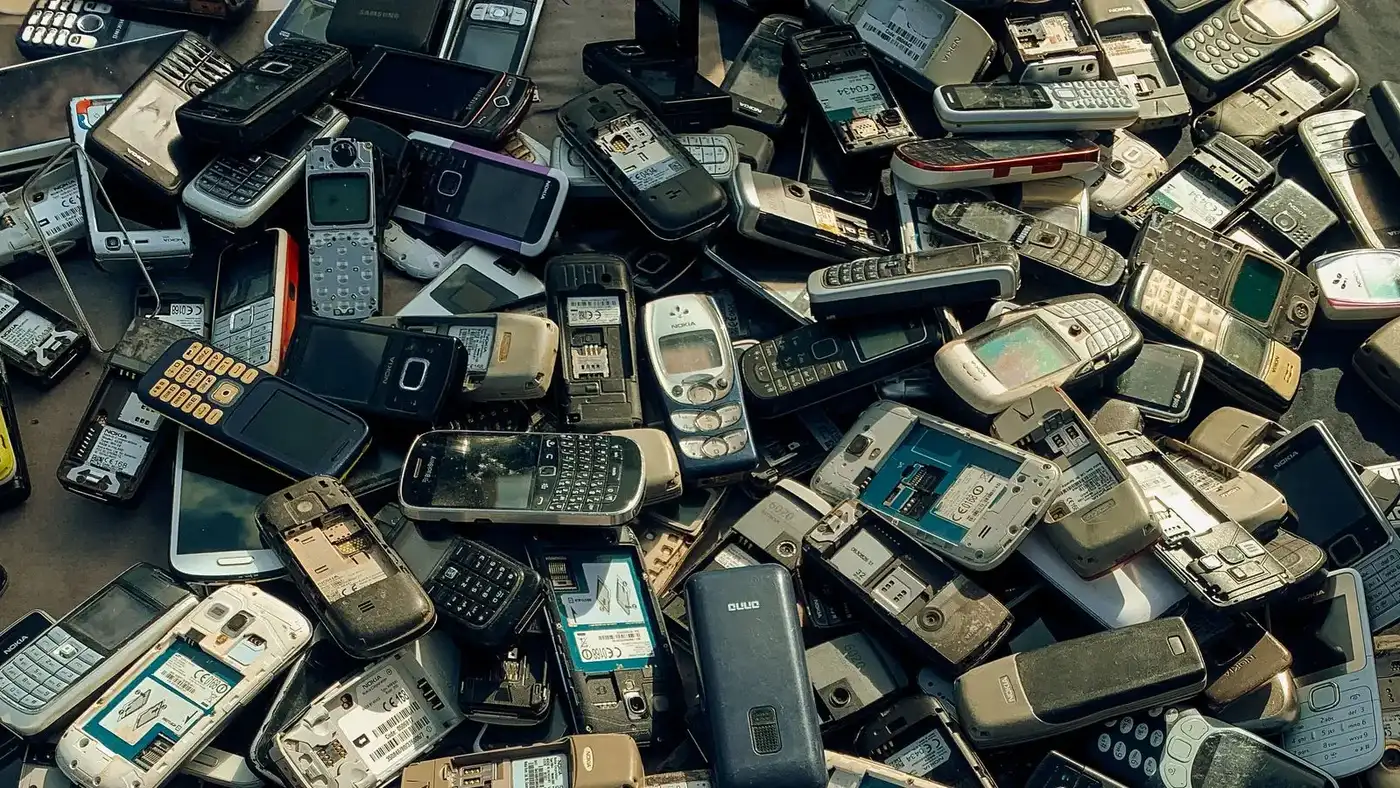
An office clearance moves more data out of a building than most businesses expect, and a good share of it sits in devices nobody thinks of as computers. This guide covers which office electronics still hold information, when a wipe is enough and when a drive has to be destroyed, and how to sequence the work so nothing leaves in an undecided state.
What Data Destruction Means Before an Office Clearance
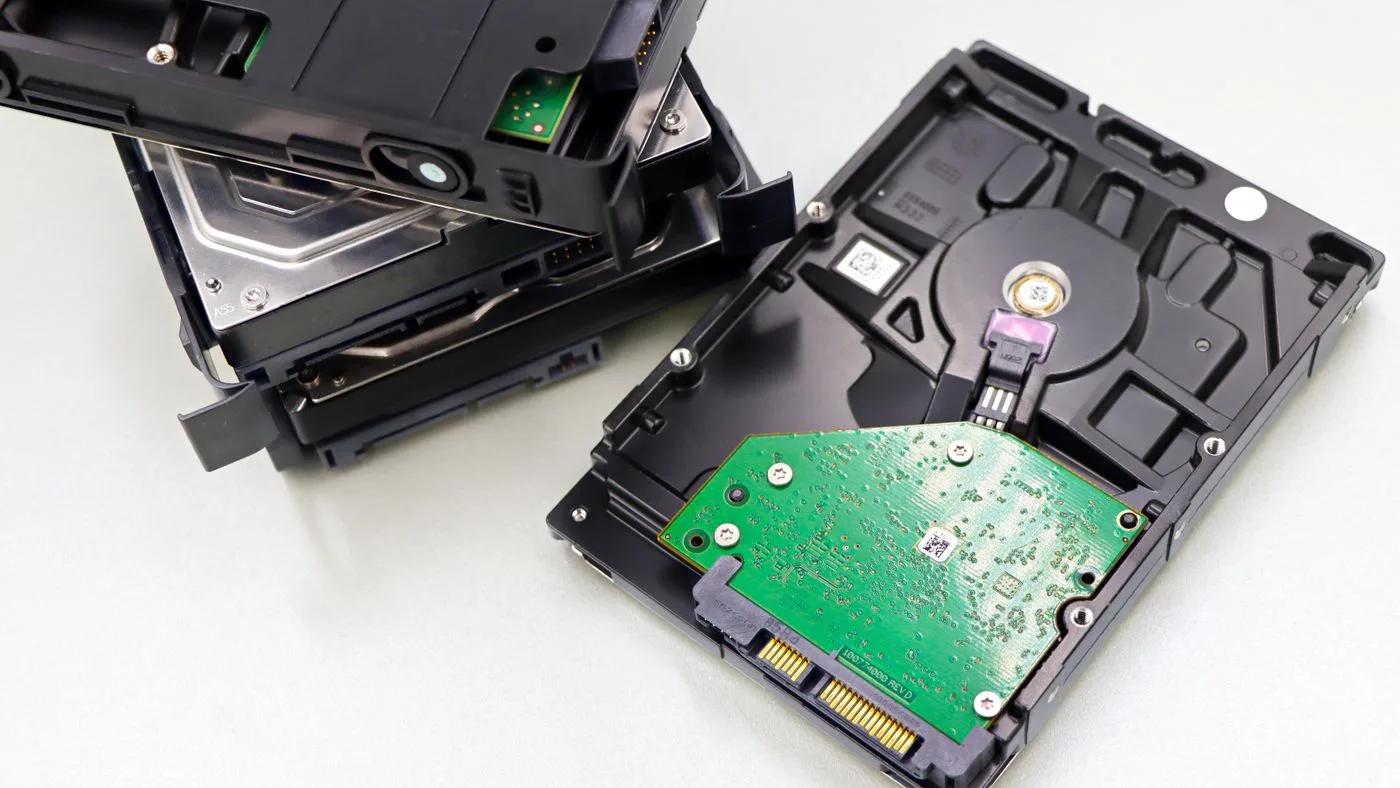
Data destruction is the step that puts information beyond recovery, and deleting files does not do it. A delete removes the pointer to the data rather than the data, which is why a drive that looks empty can be read again with ordinary recovery software.
The work belongs to the business, not to whoever collects the hardware. A removal crew takes equipment away and can record what left the premises, but the decision about each device, and the wiping or destruction itself, is settled before the truck is booked.
The Office Devices That Hold Data People Forget
Laptops and desktops get checked. The devices below are the ones that go out of a Dubai office still holding company information, usually because nobody thought of them as data-bearing at all.
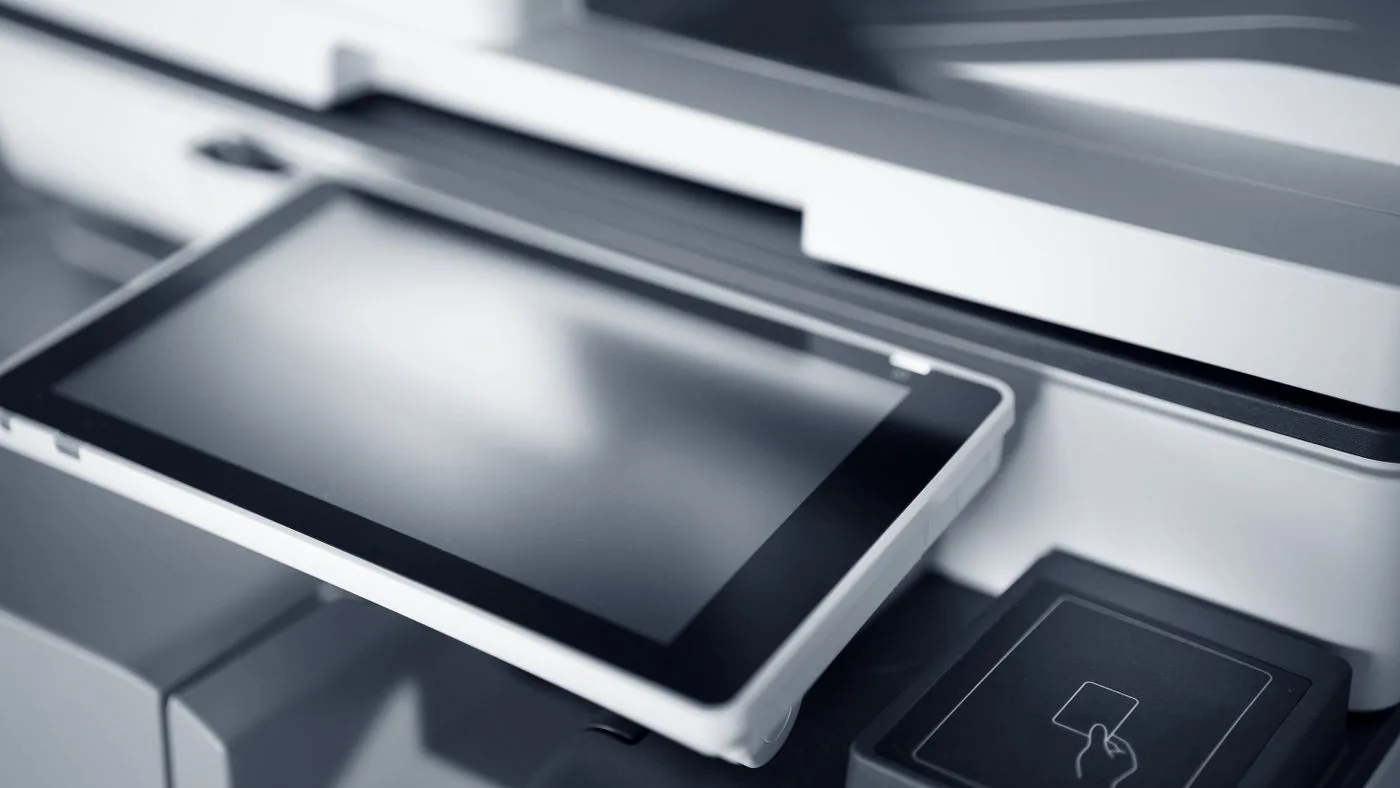
Multifunction printers and copiers, which keep scanned, printed and faxed documents on an internal drive, often for months.
Desk handsets and conference phones, which store call logs, directories and in some cases voicemail.
Routers, firewalls and switches, which hold network configuration and stored credentials.
Access control panels and badge readers, which log who entered which door and when.
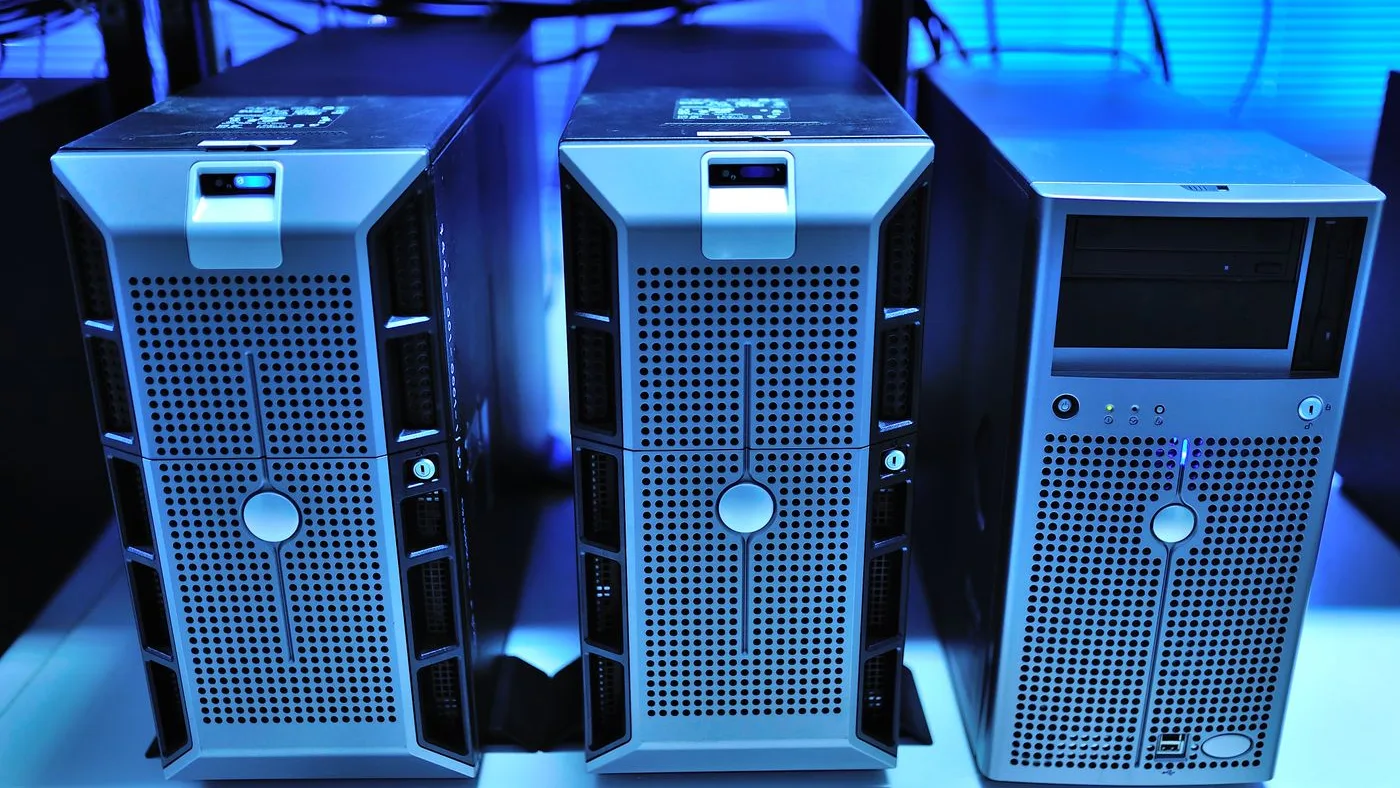
Network storage boxes and backup drives in a comms cupboard, which frequently hold the fullest copy of anything in the office.
Meeting room displays and video bars signed into a company account.
Loose media in desk pedestals: old memory sticks, backup disks and the drive pulled out of a machine that died two years ago.
A shared printer stores what it scans. Leased machines are among the most common devices to leave a building with data still on them.
Leased equipment deserves its own check. A copier or printer on a lease goes back to the leasing company rather than out with the clearance, and the drive inside goes with it unless someone asks for it to be cleared or removed first. Read the contract before touching the machine, because pulling a component from leased hardware can breach it.
Wiping or Physical Destruction: Which a Device Needs
The choice comes down to two questions: does the device still work, and how sensitive is what it held. Working equipment being passed on is wiped. Anything that will not power up, and anything holding records you would not want recovered under any circumstances, is destroyed.
Device
What it holds
Usual method
Desktops and laptops with a hard disk drive
Documents, cached mail, saved credentials, browser history
Full-disk overwrite while the machine still boots, or remove and destroy the drive if it does not
Anything with a solid state drive
The same content, spread across cells the operating system cannot address directly
The drive's own secure erase, or destruction of the encryption key. A file-by-file delete is not reliable here
Multifunction printers and copiers
Images of scanned and printed documents on an internal drive
The manufacturer's data clear routine, or removal of the drive before the unit leaves
Physical destruction in most cases, since these rarely leave for reuse
Routers, firewalls and access control panels
Network configuration, stored credentials, door and badge logs
Reset to factory defaults and confirm stored configuration is gone before disposal
Method follows the storage type, not the size of the device. A printer can need more care than a laptop.
Where Certified Destruction Sits, and Why It Is Booked Separately
Certified destruction is a specialist trade with its own equipment and its own paperwork. It is not something a removal crew provides as part of a collection, and treating the two as one service is how drives end up leaving a building undealt with.
What a destruction specialist provides: Shredding or degaussing of drives and media, either on site or at their facility, with an itemised certificate listing serial numbers. This is what a compliance policy means when it asks for proof.
What a removal crew provides: Collection of the hardware, separation of electronics from the general load so they go to licensed e-waste recyclers, and a record of what left your premises and when.
Why they are booked apart: Different trades, different audit trails and different lead times. The destruction is arranged first and finished before collection day, so the crew only ever handles equipment whose data status has already been settled.
Servers and network storage are usually destroyed rather than wiped, because they hold the fullest copy of anything an office produced.
Sequencing the Data Work Before the Collection Date
1Inventory every data-bearing device by serial number before anything moves, including kit in store rooms, comms cupboards and under desks.
2Decide device by device whether it is being wiped for reuse or destroyed, and write that decision against the serial.
3Do the wiping while equipment is still powered and on the network, not after it has been unplugged and stacked in a corridor.
4Pull the drive from anything that will not boot and bag it separately for destruction rather than leaving it in the chassis.
5Check leased items against their contracts before touching them, and agree the data clear with the leasing company in writing.
6Book the removal only once the data work is signed off, so nothing leaves the building in an undecided state.
Timing is where Dubai offices come unstuck. Service lift windows in managed towers are fixed in advance and hard to move, so a clearance date tends to be immovable while the data work is the part that slips. Start it a week before the wider office clearance plan calls for it.
What a Collection Record Does and Does Not Prove
A record of collection shows which devices left your premises, on what date, and where they were routed. It is useful for a landlord, for your own asset register and for showing that electronics went to licensed recyclers rather than into general waste.
It does not show that the data on those devices was destroyed. That is what a destruction certificate is for, and the two documents answer different questions. If your policy calls for proof of destruction, arrange it with a specialist before collection day, then book the electronics disposal for the hardware afterwards.
Key Takeaways
Deleting files leaves the data recoverable. Destruction means an overwrite, a secure erase or physical destruction of the media.
Printers, phones, network gear, access control panels and backup drives all hold data and are the devices most often overlooked.
Solid state drives need their own secure erase or key destruction, because an ordinary overwrite does not reach every cell.
Certified destruction is a specialist service with its own certificate, booked and finished before the removal crew arrives.
A record of collection proves what left the building. Only a destruction certificate proves the data went with it.
Why Choose Junk Service in Dubai
As a local, fully insured team, Junk Services Dubai makes clearing your space simple — fast pickups, fair upfront pricing and responsible disposal across every Dubai community.
Same-Day Availability
Book today and, where crews are free, we clear it today — with no rush surcharge.
Fair, Upfront Pricing
A flat price agreed before we arrive, based on volume, items and access. No surprises.
Insured, Uniformed Crews
Background-checked teams who do all the lifting and protect your floors, lifts and walls.
Responsible Disposal
We sort for reuse, donation and recycling in line with Dubai Municipality guidance.
Our editorial team is made up of the crews and coordinators who clear homes, villas and offices across Dubai every day. We share practical, first-hand guidance on decluttering, disposal and responsible waste removal in the UAE.
FAQ
Frequently Asked Questions
No. Deleting removes the reference to a file rather than the file itself, and ordinary recovery software can read it back. A working machine needs a full-disk overwrite or the drive's own secure erase before it leaves the office.
Most shared multifunction printers and copiers do, on an internal drive that can hold months of scanned, printed and faxed material. Run the manufacturer's data clear routine before the machine leaves, or have the drive removed if the unit is being disposed of.
No. Certified data destruction is a specialist service with its own equipment and audit trail, and it is booked separately from a collection. We remove the hardware, keep electronics out of the general load so they reach licensed recyclers, and can provide a record of what left your premises.
Wiping overwrites or securely erases the data while leaving the drive usable, which suits equipment being passed on. Physical destruction shreds or otherwise breaks the media so it cannot be read at all, which suits failed drives and anything holding sensitive records.
Take the drive out and route it for physical destruction, then dispose of the rest of the machine as normal electronics. A drive that will not boot often still holds readable data, so a failed device is the worst one to send out untouched.
Yes. Routers, firewalls, switches and access control panels store configuration, credentials and entry logs. Reset each one to factory defaults and confirm the stored configuration is gone before it goes into the collection.
Check the lease contract before doing anything to it. Leased machines go back to the leasing company with their drives inside, so the data clear needs to be agreed with them in writing rather than handled by removing a component yourself.
Final Thoughts
The data risk in an office clearance is not the laptops, which someone always remembers. It is the printer in the corner, the box in the comms cupboard and the drive in the bottom of a pedestal, all of which go out of the door as furniture unless somebody has listed them first.
Inventory by serial number, decide wipe or destroy device by device, finish that work while everything is still plugged in, and only then book the collection. The wider timeline it fits into is covered in how to plan an office clearance.
Book a Pickup Once the Data Work Is Signed Off
When every device has been wiped or had its drive pulled, we collect the hardware, keep electronics separated from the general load for licensed recycling, and provide a record of what left your premises.
WhatsApp Us a list of what needs collecting, Call Now to fit the visit around a destruction appointment, or Schedule a Pickup for the clearance itself.
A practical guide to computer disposal in Dubai — collection of home PCs, office desktops and workstations and bulk IT equipment, why data security and hazardous parts matter, a comparison of disposal routes, a preparation checklist, and Dubai Municipality-compliant e-waste recycling.
A practical guide to electronics disposal in Dubai — responsible collection of household and office e-waste, from TVs, laptops and phones to printers, monitors and IT equipment, why data security and hazardous parts matter, how to prepare devices, and Dubai Municipality-compliant recycling.
A planning guide for a Dubai office clearance: the eight-week timeline counted back from the handback date, the four internal owners, and the building rules that decide when work can start.

 Guides