Decluttering Digital Clutter: A Practical Reset for Dubai Residents
The Junk Services Dubai Team 6 min read
Digital clutter is the unsorted mass of photos, files, messages, apps, accounts and old devices that makes it hard to find what matters and risky to throw anything away. This guide gives a backup-first order for clearing it, with the details Dubai residents tend to face: WhatsApp media, accounts spread across several countries and a drawer of phones kept since the last move.
Digital clutter is anything stored on a device or online account that you no longer need, cannot find, or keep only because deleting it feels risky. It makes no visible mess, but it slows phones, fills paid cloud plans and buries the few files that matter, such as a tenancy contract or an Emirates ID scan, at the moment you need them.
Photos and video: Duplicates, bursts, blurred shots, screenshots and clips saved automatically from group chats.
Files and downloads: Old PDFs, installers, repeated copies of one document and folders still called New Folder.
Messages and email: Newsletters you never open, promotional texts and years of chat history with large attachments.
Apps and accounts: Apps opened once, forgotten trial subscriptions and logins for services you left years ago.
Devices and storage: Old phones, laptops, USB sticks, memory cards and external drives that still hold personal data.
Back Up First, Then Delete
The order matters more than the tools. Deleting before backing up is how people lose the one photo they wanted. Before removing anything, make sure every file you would miss exists in at least two places.
1Choose one home for originals, such as a single cloud account or one computer, so copies stop spreading across devices.
2Copy irreplaceable photos and documents there, including those still sitting on old phones and memory cards.
3Make a second copy on an external drive or a second service, and keep that drive out of cars and hot storerooms.
4Open a sample of the copied files to confirm they work before deleting anything from the source.
5Only then start removing duplicates and unwanted files.
A common rule of thumb is three copies on two different kinds of storage, with one kept away from home. For a household, that can mean the phone, a cloud account and a drive kept at the office.
Clearing Photos and WhatsApp Media
For many Dubai residents, messaging media is the largest single source of phone clutter. Family groups, building groups and work chats forward the same images and videos many times, and automatic download saves every copy to the phone.
Turn off automatic media download for groups, or limit it to Wi-Fi, in WhatsApp's storage and data settings.
Use the app's storage manager to review files by chat and by size, starting with the largest.
Delete screenshots in one pass once the information they captured has been used.
Keep the best one or two shots from each burst or series and remove the rest.
Check the recently deleted album before emptying it, since deleted photos usually stay there for a set period.
Sentimental photos deserve slower decisions. Sort them after the obvious rubbish has gone, with the same care you would give printed keepsakes, as covered in our guide to sentimental items.
Files, Email and Subscriptions
Area
Remove
Keep
Typical time
Downloads folder
Installers, duplicates, used tickets and boarding passes
Anything that would be hard to download again
15 to 30 minutes
Documents
Drafts, older versions and files from finished projects
Contracts, IDs, visa and tenancy papers, medical and education records
One to two hours
Email
Newsletters, promotions and alerts from closed accounts
Warranty receipts, official correspondence and anything still open
One session, then weekly upkeep
Subscriptions
Unused streaming, app and storage plans
Services the household uses at least monthly
30 minutes with a bank statement
Times assume one person and one main device. Families sharing accounts should agree the keep list before anyone deletes.
Unsubscribe rather than delete. Deleting a newsletter removes one email, while unsubscribing stops the next hundred. For paper you have already scanned, our paperwork decluttering guide explains which originals to protect before shredding anything.
Accounts and Phone Numbers After Living in Several Countries
Residents who moved to Dubai from elsewhere often carry accounts tied to an old country: a bank app, a mobile number, a utility login or a loyalty programme. Some still matter, and many are dormant. The real risk is losing access to something important because its recovery method points to a number you no longer hold.
List every account that sends verification codes by text message.
Before cancelling or changing a UAE or home-country number, move each of those accounts to an authenticator app or your current number.
Close dormant accounts properly instead of only deleting the app, so personal data does not sit on a service you have stopped watching.
Keep passwords in one password manager rather than in notes, screenshots and browser prompts spread across devices.
Do this before a relocation, not after. Recovering an account from abroad without the original number can be slow, and some services will not allow it at all.
Old Phones, Laptops and Drives
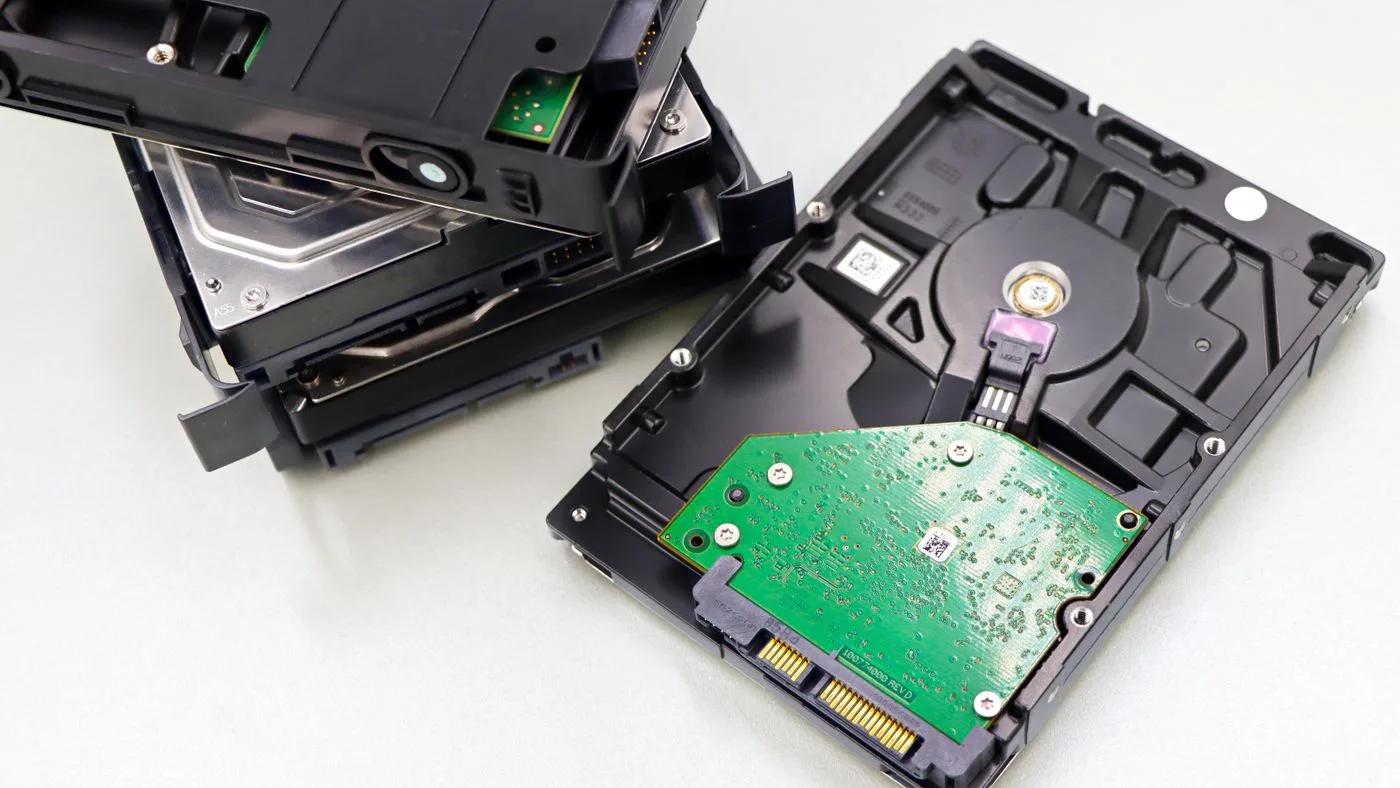
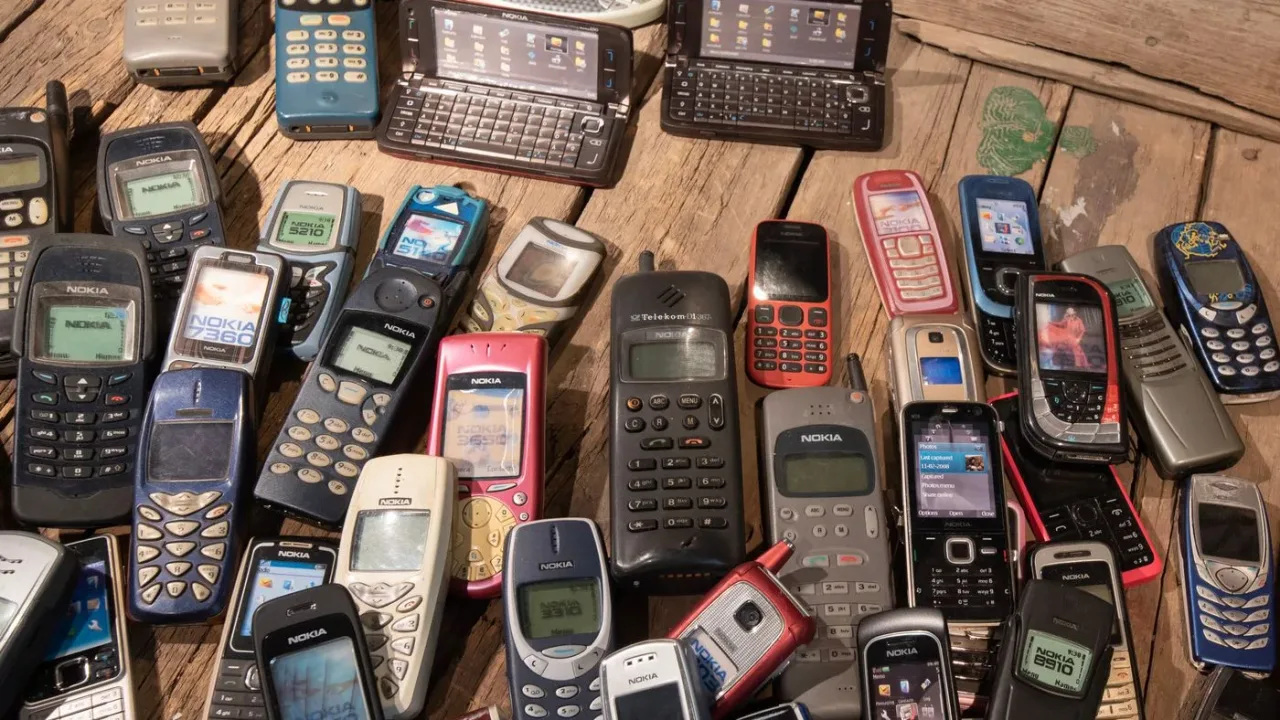
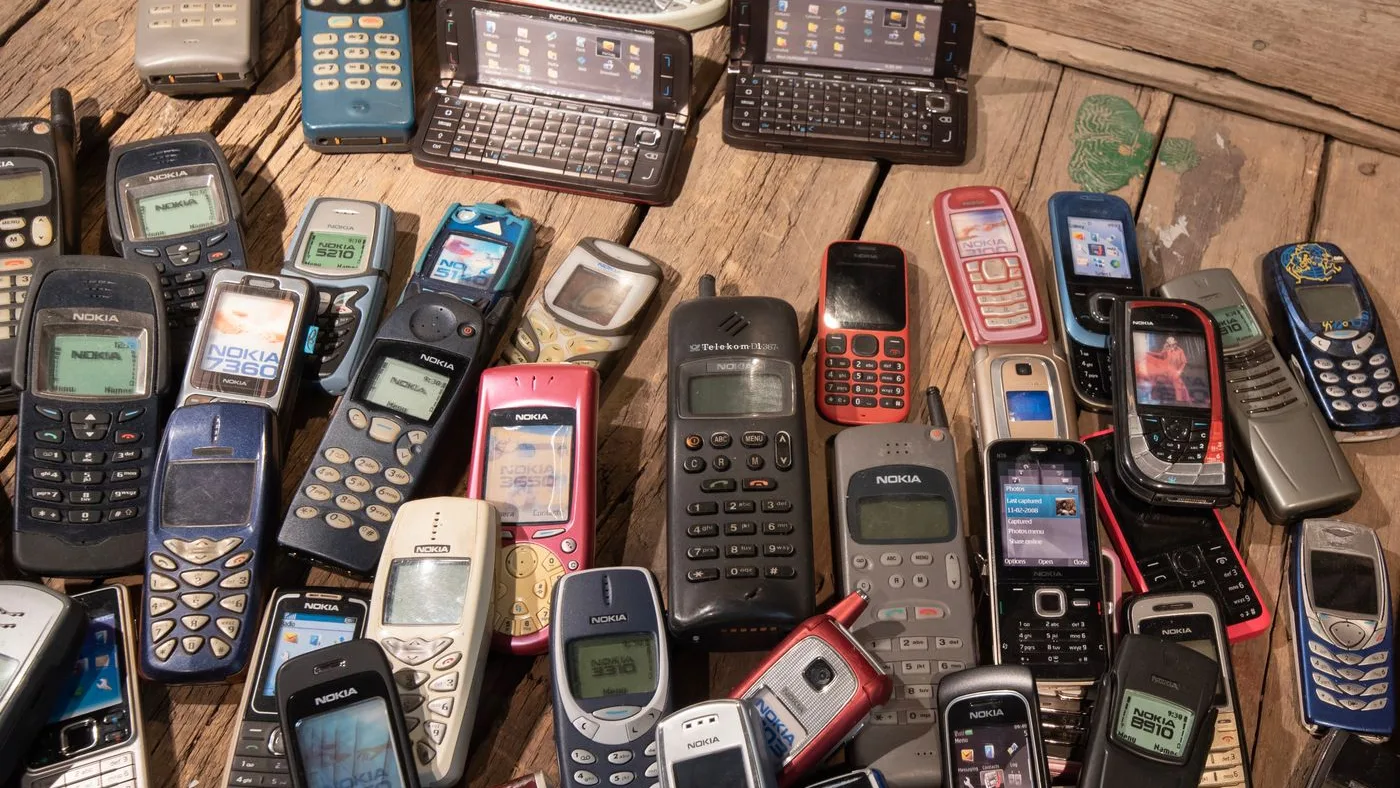
Every digital declutter ends with hardware. The phone replaced two upgrades ago, the laptop from a previous job and the external drive with no label all hold personal data, even when they no longer switch on reliably.
A drive that no longer spins can still hold readable data, so wipe it or have it destroyed before it leaves the home.
Confirm the backup, then sign out of cloud accounts and turn off device-finding locks.
Remove SIM cards and memory cards, and keep them with your personal documents until you decide on them.
Run the device's factory reset or full erase function.
Send drives that will not power on for physical destruction instead of putting them in the bin.
Group cables and chargers by device, keep the ones you use and send the rest with the electronics.
Our mobile phone recycling guide covers handsets in detail, and the data destruction guide covers drives and business equipment. When a clear-out includes monitors, printers or desktop towers, junk removal can collect them with the rest of the load once the data is dealt with.
Keeping Digital Clutter From Coming Back
Digital clutter returns quietly, because storage feels unlimited until the phone warns that it is full. A short routine keeps it in check.
Once a month, spend fifteen minutes on the downloads folder, screenshots and the largest chats. Once a quarter, compare subscriptions with a bank statement. Once a year, confirm that backups open and recovery numbers are current, ideally before the summer travel season when many residents are away for weeks.
Key Takeaways
Back up irreplaceable files to two places before deleting anything.
Messaging media and screenshots are usually the quickest large wins on a phone.
Unsubscribe and cancel rather than deleting one message or app at a time.
Move verification codes off old numbers before cancelling them.
Wipe or destroy the data on old devices before they are recycled.
Why Choose Junk Service in Dubai
As a local, fully insured team, Junk Services Dubai makes clearing your space simple — fast pickups, fair upfront pricing and responsible disposal across every Dubai community.
Same-Day Availability
Book today and, where crews are free, we clear it today — with no rush surcharge.
Fair, Upfront Pricing
A flat price agreed before we arrive, based on volume, items and access. No surprises.
Insured, Uniformed Crews
Background-checked teams who do all the lifting and protect your floors, lifts and walls.
Responsible Disposal
We sort for reuse, donation and recycling in line with Dubai Municipality guidance.
Our editorial team is made up of the crews and coordinators who clear homes, villas and offices across Dubai every day. We share practical, first-hand guidance on decluttering, disposal and responsible waste removal in the UAE.
FAQ
Frequently Asked Questions
Back up irreplaceable photos and documents to two separate places and confirm they open. Deleting comes after the backup, never before it.
Turn off automatic media download for groups in WhatsApp's storage and data settings, then use its storage manager to delete the largest files chat by chat.
For most modern phones, a factory reset after signing out of accounts and removing device locks is the standard step. Take out the SIM and any memory card separately, since a reset may not clear them.
Treat it as if it still holds data. Send it for physical destruction through a data destruction or electronics recycling route rather than putting it in general rubbish.
Close the ones you no longer use, but first move any account you still need to a current phone number or an authenticator app so you keep access.
A first pass on one phone and one laptop fits into a weekend afternoon for most people. Keeping it clear afterwards takes about fifteen minutes a month.
Final Thoughts
Digital decluttering works best in the same order every time: protect what matters, remove the obvious, fix account access, then deal with the hardware. The drawer of old devices is the part people postpone longest, and it is also the part carrying the most personal data.
Arrange Collection for Old Electronics
Once devices are backed up and wiped, WhatsApp Us a photo of the phones, laptops, monitors and cables leaving your home or office. Our team will confirm what can be collected and arrange a suitable time.
Most Dubai homes hold three or four retired phones in a drawer. Here is what is inside them worth recovering, how to wipe and unlink one properly, and what to do with the chargers and cables around them.
Build a household paper system that separates actions, original records, reference copies and confidential discards, with a review process before anything is destroyed.
Every office clearance moves devices that still hold company data, and several of them are not the ones people think of. Here is which devices to check, when wiping is enough, and where certified destruction fits.

 Guides